AI & Computing
An NPU earns its place in the tasks it actually runs
Learn what a laptop neural processing unit does and use a battery-powered test to find out which of your applications can benefit.
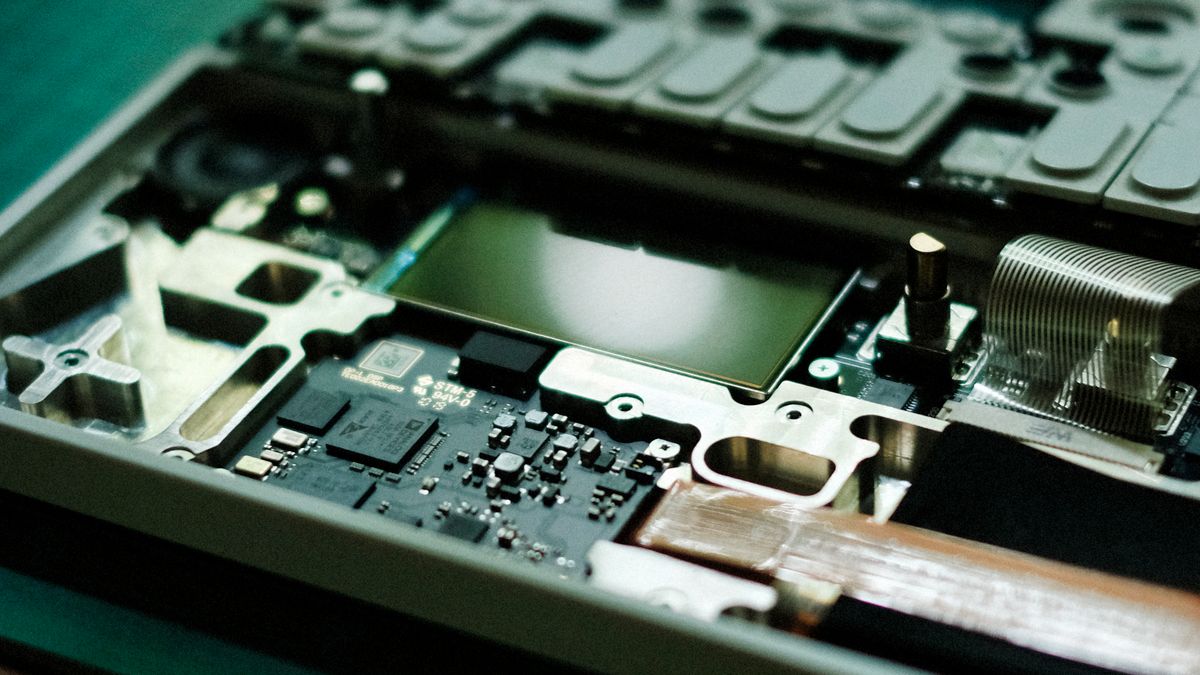
A laptop box reports a large number of AI operations per second. The owner wants to remove background noise from calls and keep enough battery for the journey home. There is a long chain between those two statements. An application must dispatch the right operation to the neural processing unit, the device must support the model in the precision it uses, and the rest of the call must leave enough resources for the feature to make a measurable difference. The unit on the box describes one link in that chain.
An NPU can be genuinely useful. A small model running continuously in the background is a good fit for an efficient accelerator. A different model may run more quickly on the graphics processor or may be sent to a server by default. Buying a chip generation is easy. Buying a reliable capability takes a closer look at the software you use.
Where the work runs
A general-purpose CPU handles a wide range of tasks. A GPU provides substantial parallel processing, which makes it effective for many model operations as well as graphics. An NPU specialises in operations used by neural networks, often with an emphasis on efficiency for supported data types. The divisions are practical, not absolute. A runtime can use several processors over the course of one operation and move intermediate data between them. Moving data and starting a small job also cost time and energy.
Take a small camera effect. The system receives a video frame, converts it into a format suitable for the model, identifies the person, then uses the result to blend a background into the final picture. The model's main computation might run on the NPU. The camera, CPU, GPU and wireless radio still have jobs. An effective implementation removes a sustained load from one processor without making another part of the pipeline wait. Simply seeing a spike in NPU usage does not explain how much battery the call used.
A general chat assistant is a different workload. It may rely on memory bandwidth and a runtime tuned to a graphics processor. It may also delegate the request to a cloud service. Some software offers several execution routes and chooses among them automatically. Look for documentation naming your exact feature and supported processor. A statement that an application supports acceleration may refer to only one task inside it.
Read a capability claim with the precision attached
TOPS is shorthand for trillions of operations per second. Hardware vendors commonly use it to describe a theoretical peak for particular operations and numerical formats. An accelerator doing low-precision arithmetic can report a higher operation count than when it uses a wider format. A comparison between two numbers is useful only when you know what each vendor counts and under which conditions. The figure does not tell you which tool accepts the hardware or how long an entire task will take.
Runtime support depends on the graph, a description of the steps that make up a model. Some steps can be dispatched to an accelerator, while unsupported operations may fall back to another processor or fail. A technically compatible workload might still spend much of its time moving data or running the unsupported parts. If a developer offers a backend name or an execution log, use it to see how much of the workload is actually running where you intend.
Match speed measurements to the person's experience. Frames processed per second may matter for a continuous video effect. Time to useful output may matter for a one-off image edit. Battery drain during a full call matters when you work away from power. Include the time to open the app and select the feature. A high accelerator utilisation figure is evidence about activity. A stable picture and an extra stretch of useful battery are evidence about an outcome.
Build a small trial around a repeated job
The simplest potential trial is a video effect you can toggle. Use the same laptop, operating system version, application build, camera mode and display brightness. Choose a repeatable workload, such as a test call or local recording with no sensitive information. Let the computer settle before each run. A browser downloading updates, a sync client pushing photos, and a hot laptop left over from a previous run can overwhelm the effect you are trying to measure.
Start with an ordinary recording where the effect is off. If the software offers another backend for the same effect, include it in another run. Finally try the NPU-backed setting. Some products choose their processing path automatically and offer no direct control. In that situation you can still compare the complete experience, provided you label it clearly. A test between two different laptops generally cannot isolate the accelerator because their batteries, screens, processors and power profiles also differ.
Use a normal video resolution and enough duration to observe steady conditions. A forty-minute call provides more battery signal than a minute-long demo, especially when the operating system rounds its displayed percentage. An optional supported power meter can provide more exact data on mains power, though it measures the machine and its adapter as a whole. For a battery comparison, start each run in a similar charge range and stay away from forced battery-saving thresholds.
Watch the actual recording. An effect may save energy by reducing frame quality, revising its mask less often or behaving differently when several people move. Put a hand in front of your face and move from light into shadow, if those are realistic conditions. Note whether the feature fills in missing audio or cuts out someone speaking quietly. Saving power while losing relevant speech is a poor trade for most meetings.
Read activity without over-interpreting it
Some operating systems and vendor diagnostics expose separate accelerator activity. Open the supported tool for your model and look during the test. If it reports NPU activity when the effect is enabled, that is useful corroboration. Its absence may mean the task runs elsewhere, the application uses another process, or the tool simply does not report the relevant information. Check the software vendor's documentation rather than treating one graph as definitive.
Make a small run log. List the app mode, whether network access was needed, energy or battery observations and the output issue that mattered. A recording can be a local effect inside an online call. A local processing claim about the effect says nothing by itself about where the other participants receive the call data or how the meeting software stores it. Follow the application's full data path if privacy is part of the reason for buying.
Also check installation and availability. A supported feature may require an app entitlement, a driver version or a setting the user can change. When a colleague will use the laptop, test in the permissions they will actually have. If a feature disappears after the vendor changes the app, keep the observed configuration in your notes. A receipt and benchmark screenshot will be much less practical than the app build, device model and precise toggle location.
A call test with background replacement should include a chair back or other ordinary obstruction. A mask that flickers around it can undermine an otherwise efficient effect.
Choose a feature you can check again
A feature that runs continuously has a plausible case for an efficient isolated accelerator. A noise filter, image mask or compact classification task may need to operate all day without slowing another application. A one-off giant image operation has different constraints. It can benefit more from ample memory or a powerful GPU. A service whose distinctive function runs remotely creates demand on the network and server regardless of the machine's local peak number.
For a purchase, write the three workloads you use most often. Match each to actual software support, then give the device a trial with those applications when possible. Keep more mundane laptop qualities in the running. Fan noise, screen brightness and battery capacity affect every call, including calls with no AI effects. Good ports and dependable sleep can repay you every day, even in a system with a modest accelerator figure.
An engineering team considering a fleet can run the same sample with several people and keep their results separate. A worker who edits images plugged into a dock may choose differently from someone conducting interviews on a battery. Compare software support windows and the way updates arrive. A measurable improvement in one recurring task is a defensible reason to buy. A collection of peak claims is a starting point for choosing what to measure.
Return to the original trip home. A successful test might show that a call remains understandable while leaving enough charge for an hour of notes afterward. It might find that the laptop already achieves that without a new feature. Either outcome answers the question the user came with. The accelerator specification matters to the extent that it helps you get there.
Document how to reproduce the measurement before returning a loan machine. Screen brightness, app settings and charge range are easy to forget after a week. If hardware prices change, the old log can help you compare a newly affordable model on the same basis. Even an incomplete result has value when it identifies the condition that remains to be tested.