Devices
Pack for the battery life you have, rather than the number on the box
Plan a realistic travel power budget using watt-hours, device charge limits, power bank output and the work you expect to do away from a socket.
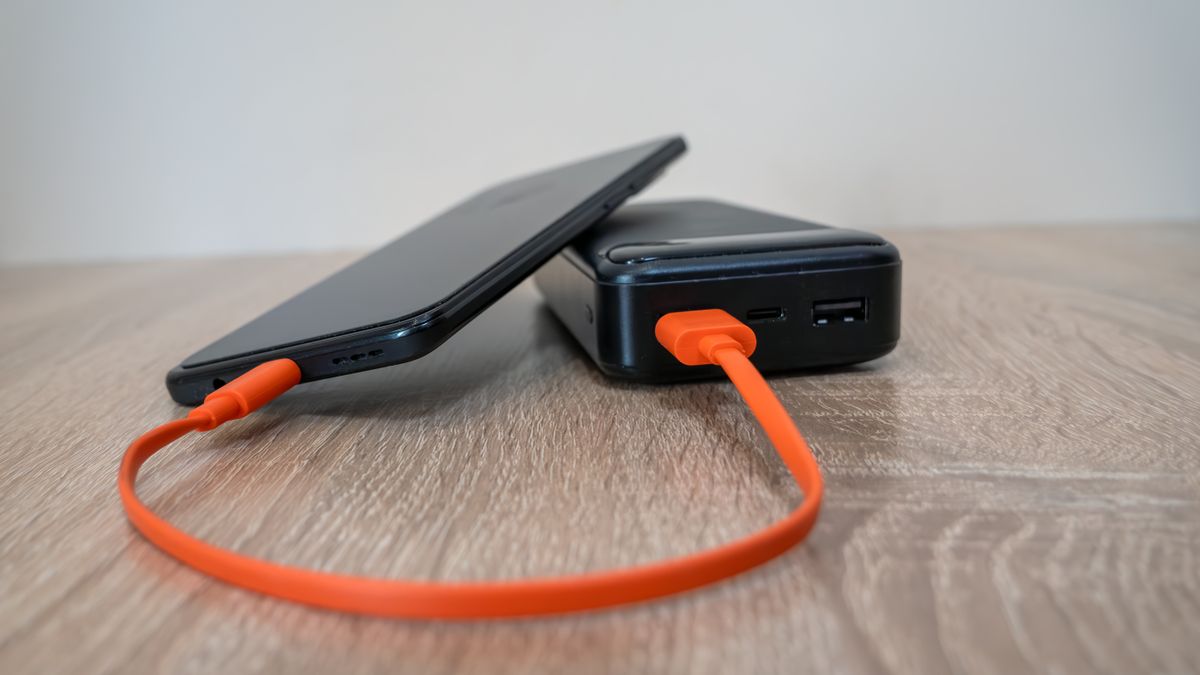
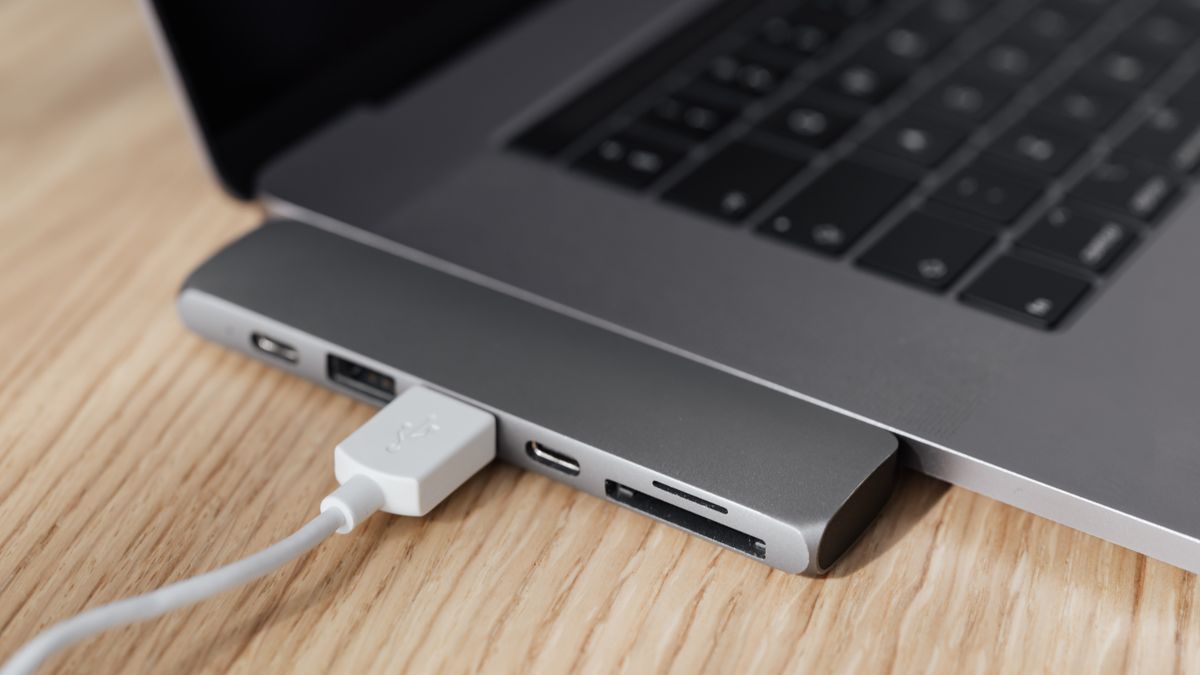
A traveller plugs a laptop into a bank halfway through the journey. The power icon comes on, but the laptop's charge still trickles downward during a call. The bank was advertised with a large capacity. What it can deliver to this laptop while the screen and camera are running is a separate number. Planning travel power is easier when you keep energy, delivery rate and compatibility in separate columns.
Start with an afternoon that resembles the trip. Run the documents, browser tabs, screen brightness and wireless connections you expect to use. Write down how long the device lasts between two ordinary charge levels. A rough reading on the machine you carry is often more useful than a precise laboratory result for an unfamiliar workload. Then decide which stretches of the day require uninterrupted operation and where you could genuinely recharge.
Think in watt-hours
A watt is a rate of energy use or delivery. A watt-hour is an amount of energy. If a device draws an average of ten watts for three hours, it uses thirty watt-hours under that assumption. Portable battery packs are often sold with milliamp-hour figures, which describe charge at a particular voltage. Multiply amp-hours by the reference voltage to estimate watt-hours. A nominal 10,000 mAh pack at 3.7 volts contains about 37 Wh at its cells. Follow the manufacturer's actual label if it provides a watt-hour figure.
The output side involves conversion. A bank takes energy from its cells and supplies a voltage suited to the receiving device. Some energy is used by those circuits, and charging the receiving battery adds its own losses. A bank with 37 Wh of nominal cell energy cannot be assumed to put 37 Wh into a phone battery. The rated output capacity may be specified separately. Look for the voltage, current and test conditions on that figure. Comparing two values at different voltages without converting them first invites an error.
A device's own battery report can provide a starting capacity. Suppose a laptop originally held 60 Wh and reports about 48 Wh at full charge today. Using it from 85 to 25 percent would nominally draw from sixty percent of that estimate, or about 29 Wh. Real readings vary with temperature, reporting and battery condition. This calculation provides a planning range. It does not predict the moment the system will enter a low-battery mode or when it will have enough power left for a second meeting.
Test the work you would do when the outlet is unavailable
Pick a starting charge in a comfortable part of the range and run a typical workload for at least half an hour. Notice how much time is spent on video, wireless transfers and unusually bright content. A large update or backup can take a disproportionate amount of energy on a slow link. Downloading needed material beforehand can shift that task to a place with reliable power. Reading a static document and editing a long presentation have different patterns even on the same display.
Write down the percentage at the beginning and end, and keep the workload visible in your notes. If forty minutes uses twelve percentage points, two hours under similar conditions might use roughly thirty-six. This extrapolation is a starting point. The second hour may involve a different application, hotter equipment or a brighter seat by a window. Keep a reserve big enough to handle a delay. A plan that functions only when the meter is accurate to its last percent is a plan for worry.
Try the hardware combination before packing. Check that the bank supports an output profile that the device accepts and an appropriate maximum wattage. Confirm the cable rating. When a bank shares several outputs, verify the combined mode if you expect to charge more than one device. Check what the laptop actually reports. A bank that runs a phone well can be underpowered for a laptop. A bank that powers the laptop when it sleeps may still fail to cover a full working load.
Divide the day into useful power opportunities
An example day might include a one-hour journey, a meeting without accessible outlets and a three-hour wait near a gate. Decide which equipment genuinely needs power at each stage. The phone may hold boarding information and navigation. A watch may be optional. A laptop may need enough energy to complete one exercise and send a file. Saving the bank for the device with the clearest dependency helps when a wall charger later becomes available for the rest.
Name the likely sockets and count on fewer than you think. A single available outlet in a café might be awkward to reach or unavailable when busy. A train socket can lie under a seat and may lose power. A compact adapter and properly rated cable let you use power safely where permitted. If a power source is uncertain, avoid putting your entire plan on it. Pack necessary documents for offline access and carry a way to reach essential information if a device runs down.
Charging a phone while your laptop uses an adapter with another port can be efficient if the charger still provides each sufficient power. Some adapters interrupt or change allocation as a second device joins. If you know the shared behaviour, you can time high-draw work accordingly. A portable bank with pass-through charging should be used in that mode only when its manufacturer explicitly supports the planned arrangement. Read the allowed inputs and outputs and leave both devices adequately ventilated.
Treat battery care and immediate power as different decisions
Battery management settings often include a configurable charge ceiling or an optimised charging routine. They limit how long the pack sits at a high state of charge when routine work does not need all of it. A travel day may justify using the supported full-charge option beforehand. The goal is a deliberate charge plan, not continual monitoring of the gauge. Record how to return to the ordinary setting after the trip.
Heat deserves attention. Keep a charging phone or bank out of a hot car and out of direct sun. Avoid blocking a laptop's air path with soft bedding or stuffing charging gear tightly into a bag. Follow the manufacturer’s charging and operating temperature instructions. Retire a battery or pack that shows swelling, leakage, serious damage or unusual behaviour, and follow local guidance for handling and recycling. Capacity arithmetic has little value once the equipment itself is suspect.
For a machine that now runs down unexpectedly, inspect the manufacturer's battery health indication and check whether a recent change in software or display settings explains the draw. A worn pack and a busy background process can create similar symptoms. If a power bank is becoming a permanent substitute for an unreliable internal battery, compare the cost and practical benefit of an authorised repair. A smaller bank then has a clearer role as reserve.
On an overnight stop, check how long the bank itself needs to recharge with the adapter you are carrying. A bank that delivers adequate power during the day can still create a morning problem if its input is slow.
Build the return journey into the plan
Before flying, consult the current rules from your airline and the aviation authorities for your itinerary. Keep power banks and spare lithium batteries in your carry-on. Remove them if the airline takes that bag at the gate. ICAO's March 2026 update limits each passenger to two power banks and prohibits recharging a power bank on board. Its guidance also advises against using a bank to charge another device in flight. Protect batteries from short circuits and check your airline's watt-hour, storage, and in-flight use rules for each segment. A limit or approval that applies to another type of spare battery may differ for power banks. Keep the label legible. Know how the equipment should be packed and what to do when staff give a more specific instruction. An extra-large bank that cannot accompany you has a travel capacity of zero.
Keep a short equipment card on your phone and, for a trip that depends on it, a printed copy. Write the bank model, its marked Wh rating, the required laptop output and the cable you have tested. Add the wall adapter’s shared output note. Spending a few minutes on this record is more effective than comparing the names stamped on similar cables in the dark. A cable that is only used for small accessories can stay separately identifiable.
Finally, ask whether one more battery really solves the delay you expect. A traveller who can complete required work from a more efficient tablet may need less stored energy. Someone reviewing a document can download it and close the network-heavy applications. A person who has to process large files may need a confirmed place with mains power. Each of those is a viable outcome when it comes from the actual itinerary and equipment.
When the route changes, run the same quick calculation again. Estimate the energy each device has, the rate at which it consumes it, and when the next compatible power source is realistically available. Put a reserve against each uncertain stretch. With those pieces set out, it is easy to see whether you need a battery, a cable or a different place to do the work.
Pack the tested lead beside the bank and rehearse plugging it in without the rest of the bag unpacked. If a bank needs a separate button press or the laptop needs a particular port, notice that at home. The little routine gives you one fewer thing to discover when the charge is already low.