
Devices
The decisive setting for a moving subject on a phone camera
Find out what causes blurred action shots and learn when to use brighter light, a faster shutter, a wider lens or a short burst.
At an indoor reception, a phone produces a photograph in which the tablecloth and the lights are perfectly detailed. The hands opening a gift dissolve into a pale blur. The camera has found plenty to sharpen, but the most important part of the scene moved during the exposure. The result looks puzzling until you consider which parts of the picture stayed in the same place.
Phone cameras make good guesses for scenes that stay still. A moving subject asks the system to make another compromise among exposure time, brightness and noise. Most of the useful adjustments happen before the shot. You can move toward better light, choose a different view or change when you press the button. In some apps you can also influence the shutter time directly.
Identify which blur you have
Zoom into the picture and look at a fixed object near the subject. When both that object and the person smear in a similar direction, camera movement may explain much of it. When the background stays sharp and the person's hands or face smear, movement within the scene is the more likely contributor. An image can show both at once. A dim room and a slow exposure make that combination common.
Focus creates a different kind of softness. If a wall behind the subject looks sharply rendered while all of the subject looks soft without a directional trail, the camera may have focused behind the person. Tap a suitable area on the subject where the camera app supports it. Phones differ in what tapping changes. Some adjust focus and brightness together. Look at the visible feedback before assuming the settings stayed fixed.
An automatic night or low-light mode can use multiple frames and combine information. The result may be smooth on a stationary subject, while a moving person appears partly repeated, shifted or oddly outlined. Notice whether the camera indicates a wait or asks you to hold steady. A still room can benefit from the mode. The moment you actually want may be brief enough to call for a different choice.
Find light that reaches the subject
Exposure duration measures how long the sensor collects light for a frame. A quick exposure captures a narrower interval of motion. In a dark setting, it also collects less light. The camera may compensate by increasing sensitivity or applying more processing, which can make the result noisier or reduce visible detail. Brighter light gives it more room to choose a short exposure at acceptable quality.
Move a willing subject toward a window during the day, or arrange to stand where an existing light illuminates the scene usefully. A few steps can make a large difference when the alternative was a dim corner. Look at the bright areas the camera will expose for as well. A person standing against a bright window can become a silhouette. Stand with the window off to one side, or choose a direction where the light reaches the face without competing with the background.
When the situation cannot be changed, look for a predictable pause. A child preparing to jump, a dancer holding a pose or a pet looking toward a sound may be still for a short interval. Know what you want to catch and watch the movement a moment before trying to capture it. A picture with one expressive gesture in a bright spot can be better than a series of unplanned reactions under a dark ceiling.
Let the lens suit the room
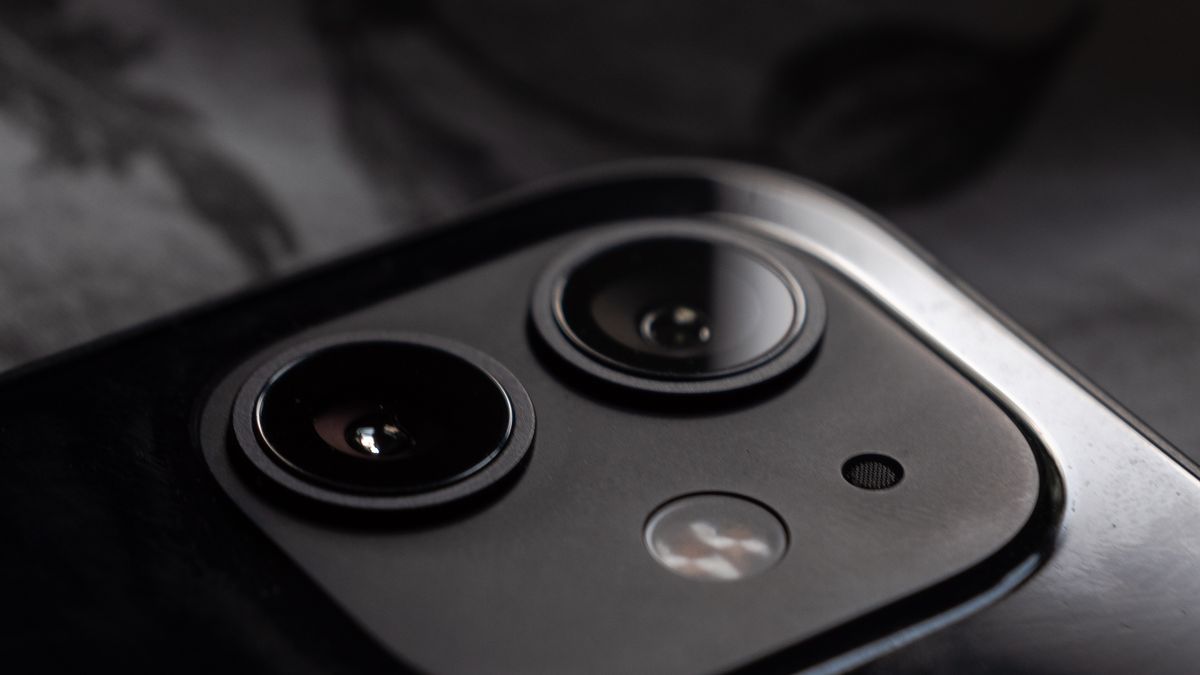
A phone may have several physical cameras and may also crop digitally at intermediate views. The main camera often has stronger light-gathering capacity than a long lens on the same phone, though the exact hardware varies. A bright outdoor subject may suit a telephoto view. In low light, a main view with a modest crop can produce a more legible result when it lets the device choose favourable settings. Check which physical camera the phone used when the image information makes it available.
Compose with a little breathing room. A tightly cropped cyclist can leave the frame before the shutter actually takes the picture. In a fast series of movements, a wider frame gives you room to choose the best later. A wider view also reduces how far the subject moves across each portion of the recorded image for the same scene motion. A later crop magnifies softness as well as detail, so find a practical balance instead of planning to crop from very far away.
Keep hands stable without confusing that with subject stabilisation. Two hands and a comfortable grip can reduce camera shake. Optical or electronic stabilisation can help compensate for some camera movement. It cannot make moving hands become stationary in a long exposure. When a sharp background accompanies blurred motion, changing how the phone is held has limited value. Put the effort into the light, shutter or instant.
Use shutter numbers as a starting point
Some camera apps expose a shutter control. Try a daylight exercise with permission from the subject. Photograph a person walking across the frame, using two supported shutter times with a significant difference between them. Compare what happens to the feet and hands. A setting such as one five-hundredth of a second records a shorter interval than one one-hundred-and-twenty-fifth. The exact time that looks sharp depends on the speed, direction and distance of the subject, the field of view and the scale at which you display the image.
In a manual mode, inspect brightness and highlight detail after the adjustment. Some phones have fixed apertures on a given lens, so a faster shutter may force a higher sensitivity or a darker image. Automatic modes may make a different choice based on face detection and their own processing. Use the mode you can operate without losing the moment. A modest adjustment you understand can be more useful than a technically perfect plan that takes too long to set up.
Some indoor lighting visibly flickers at certain capture settings. Short exposures can catch brightness or colour variation when artificial lights cycle. If a row of images looks inconsistent, test a different position, added steady light or the camera's supported anti-flicker settings where available. Cropping or sharpening won't restore a missing part of the exposure. A small practice sequence reveals what that room does before the real moment arrives.
Take the short burst for a reason
A burst captures several closely spaced frames. Use it around a brief event, such as a ball arriving or an expression changing. Know how the specific app triggers a burst, because on some phones holding the shutter starts video instead. A burst does not guarantee a fast shutter. It improves timing and creates more candidates. In dark conditions the whole series can still be blurred, and processing or resolution may differ from the regular capture mode.
When selecting the result, first look for the gesture and expression. Then check the subject's essential details at a useful magnification. Small motion can be acceptable in part of the scene. A crisp face with a slightly moving sleeve can convey more than a completely frozen instant with an awkward expression. Choose for the purpose of the picture. A print may show details that a small message preview hides.
Some devices offer a short motion clip or a way to choose an adjacent frame. Test whether the alternate frame retains the quality you need. If you're recording a video on purpose, moving imagery may be the best form for the action. A still extracted from video normally reflects the video's resolution and exposure decisions. Treat it as another candidate rather than silently assuming it matches the camera's highest-quality still mode.
Practise on something that repeats
An ordinary object can teach the basic distinction without involving an event. Try a hand turning a page beside a stationary bookend. Photograph the scene near a bright window and in a darker part of the room. Tap to focus on the relevant area and keep the framing constant. If your app reports shutter time and sensitivity, check both after the shot. The resulting series presents the same subject and at least two lighting conditions, making it easier to see why the camera made different decisions.
Try the same exercise again with a short burst and with the view slightly wider. Compare the number of useful frames and how much you needed to crop. Keep the settings that fit your intended work. For an outdoor sports day, that may be a short burst, room around the subject and attention to the background. For a recital where camera use is permitted, it may be choosing a pause under useful light and keeping the device quiet.
By the time the next photograph happens, you will be watching the person and the light. The screen can confirm the result afterward. Better action photos come from shortening the capture interval when possible, planning for movement and choosing a moment that keeps the subject readable. A new phone is only one way to improve those odds.
Keep the misses that show an especially clear difference. A blurred subject against a sharp fixed edge can remind you what to look for next time, while an evenly soft frame can prompt a check of focus or camera movement. Two useful examples make a better personal guide than a list of shutter numbers copied without the lighting or distance that produced them.